
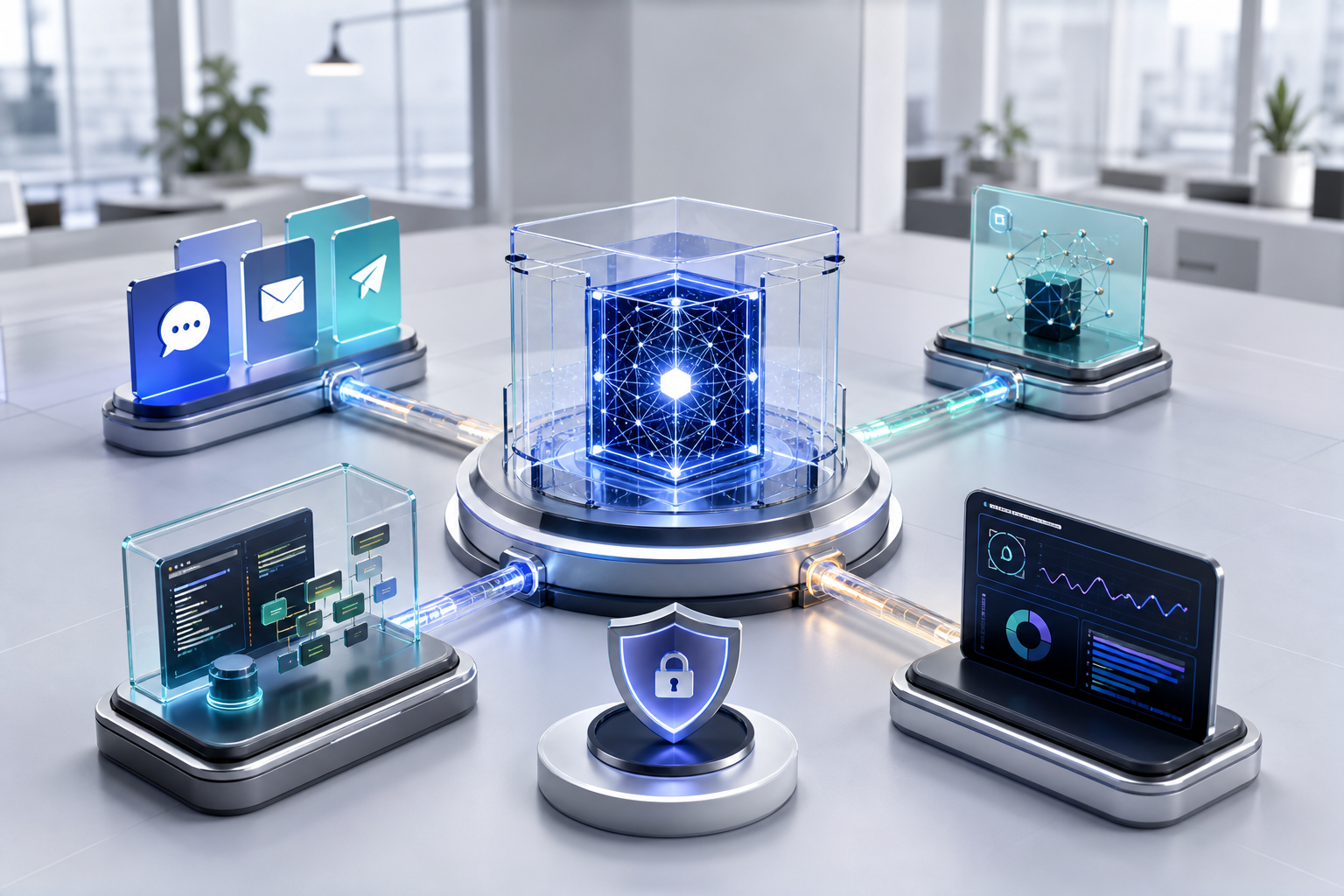
OpenClaw is a gateway, not the model itself
OpenClaw is a self-hosted gateway that connects messaging channels, AI models, sessions and tools. The gateway coordinates messages and agent activity, while the selected model may come from an external provider or a separately operated local model service.
This distinction matters for hosting. A modest VPS can run the gateway and common integrations, but running a large local model on the same machine has very different CPU, memory and accelerator requirements.
Why use an always-on VPS
A laptop-based assistant stops when the device sleeps, changes networks or leaves the operator's control. A VPS provides a stable runtime, fixed operating environment and predictable access for an assistant that needs to receive events throughout the day.
The server also creates a clear administrative boundary. Configuration, workspace files, service logs and backups can be managed separately from a personal computer, provided access is locked down properly.
- Continuous gateway availability independent of a personal device.
- A stable service process with controlled restarts.
- Centralized monitoring and backup procedures.
- Dedicated networking and firewall policy.
- A migration path between infrastructure providers.
Separate the gateway from risky execution
An agent that can run commands, read files or send messages has meaningful authority. Do not treat the gateway as an ordinary public chatbot. Limit tools to the tasks the assistant genuinely needs and isolate untrusted workloads from important data and services.
For higher-risk automation, place tool execution in a separate container, service account or sandbox with a narrow filesystem and network policy. The gateway should coordinate approved work rather than grant unrestricted server access to every message.
- Use a dedicated operating-system account.
- Expose only the required network endpoints.
- Keep workspaces separate by role or agent where appropriate.
- Deny unnecessary shell, filesystem and outbound-network access.
- Review plugins and skills before enabling them.
- Do not store broad root credentials in agent-readable files.
Protect remote access to the Control UI
The OpenClaw Control UI and gateway administration surface should not be left openly reachable without authentication. Prefer a private network, SSH tunnel or authenticated reverse proxy, then add firewall restrictions and strong gateway credentials.
TLS protects traffic in transit but does not replace authorization. Monitor failed access attempts and rotate gateway tokens or passwords when an operator, device or integration changes.
Connect messaging channels conservatively
A messaging channel turns incoming text into agent input. Use dedicated accounts or numbers where recommended, restrict who can message the agent and keep group behavior explicit. An open channel connected to powerful tools can become an unintended command interface.
OpenClaw supports multiple channel types, but each has different authentication and platform rules. A personal WhatsApp-linked setup is not the same as an official WhatsApp Business Platform integration. Choose the channel method that matches the business use case and its provider policies.
- Allowlist approved senders during initial deployment.
- Require deliberate mentions or routing rules in groups.
- Disable recurring automation until the tool policy is tested.
- Keep channel credentials separate from model credentials.
- Test outbound actions in a non-production workspace first.
Size the VPS for the gateway workload
Gateway resource needs depend on concurrent sessions, enabled plugins, browser or document tools, local databases and background automation. Model API calls may use little local compute, while browser workloads and local model inference can require far more.
Begin with measured requirements and monitor CPU, memory, storage and queue activity. Keep logs and session data under retention limits, and move demanding local inference to infrastructure designed for that workload.
- Account for Node.js, the gateway, monitoring and the operating system.
- Add memory for concurrent tools and browser processes.
- Reserve storage for workspaces, logs and backups.
- Use separate GPU-capable infrastructure for substantial local models.
Back up state without leaking secrets
Back up configuration, required workspaces and documented integration settings, but treat those archives as sensitive. They may contain channel identifiers, model configuration, conversation state or references to protected services.
Encrypt backups, restrict access and test restoration onto a clean system. Store long-lived secrets in a dedicated protected configuration path or secret manager rather than scattering them across workspace files.
How InvisibleHosts can support an OpenClaw deployment
InvisibleHosts can provide regular, offshore or managed VPS infrastructure for the gateway and assist with a scoped deployment. Managed work can include the operating-system baseline, service installation, private access, reverse proxy, monitoring, backups and controlled updates.
Agent behavior, model charges, third-party account approval and the safety of customer-defined tools remain shared responsibilities. We can build and operate the hosting layer, but the customer must define who the agent serves and what it is permitted to do.
- VPS selection and hardened operating-system setup.
- Gateway service deployment and restart policy.
- Private administration access and TLS where required.
- Monitoring, backup and recovery configuration.
- Migration or custom integration work under an agreed scope.
Deploy capability in stages
Start with one operator, one channel and a minimal tool set. Verify authentication, message routing, logs, backup and recovery before adding more users or autonomous actions.
If you want help planning a hosted OpenClaw environment, provide the intended channels, model provider, expected users, enabled tools and whether you need self-managed or managed operation.